
Launch 101

Launch Reservation
We've upgraded our launch process to ensure you have the best chances at winning! You now have the option to ship releases to you or pick them up in store.
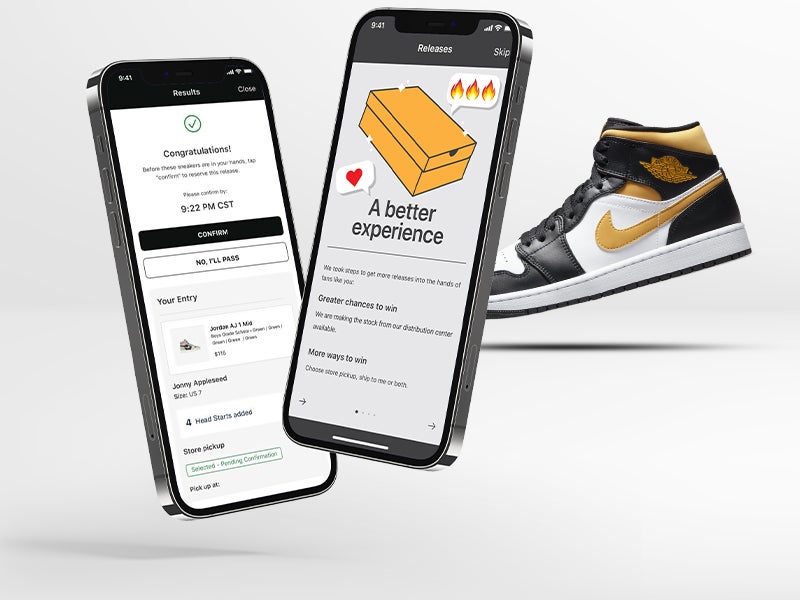

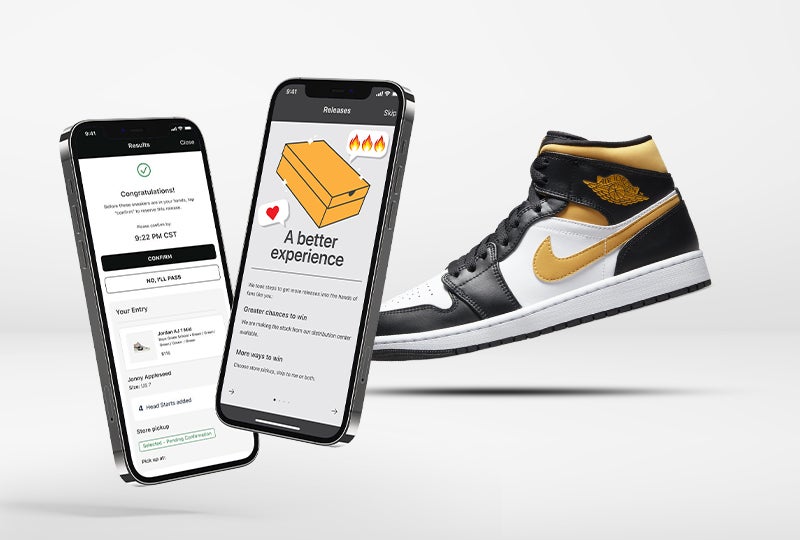
Let's dig a bit deeper into these new entry methods:
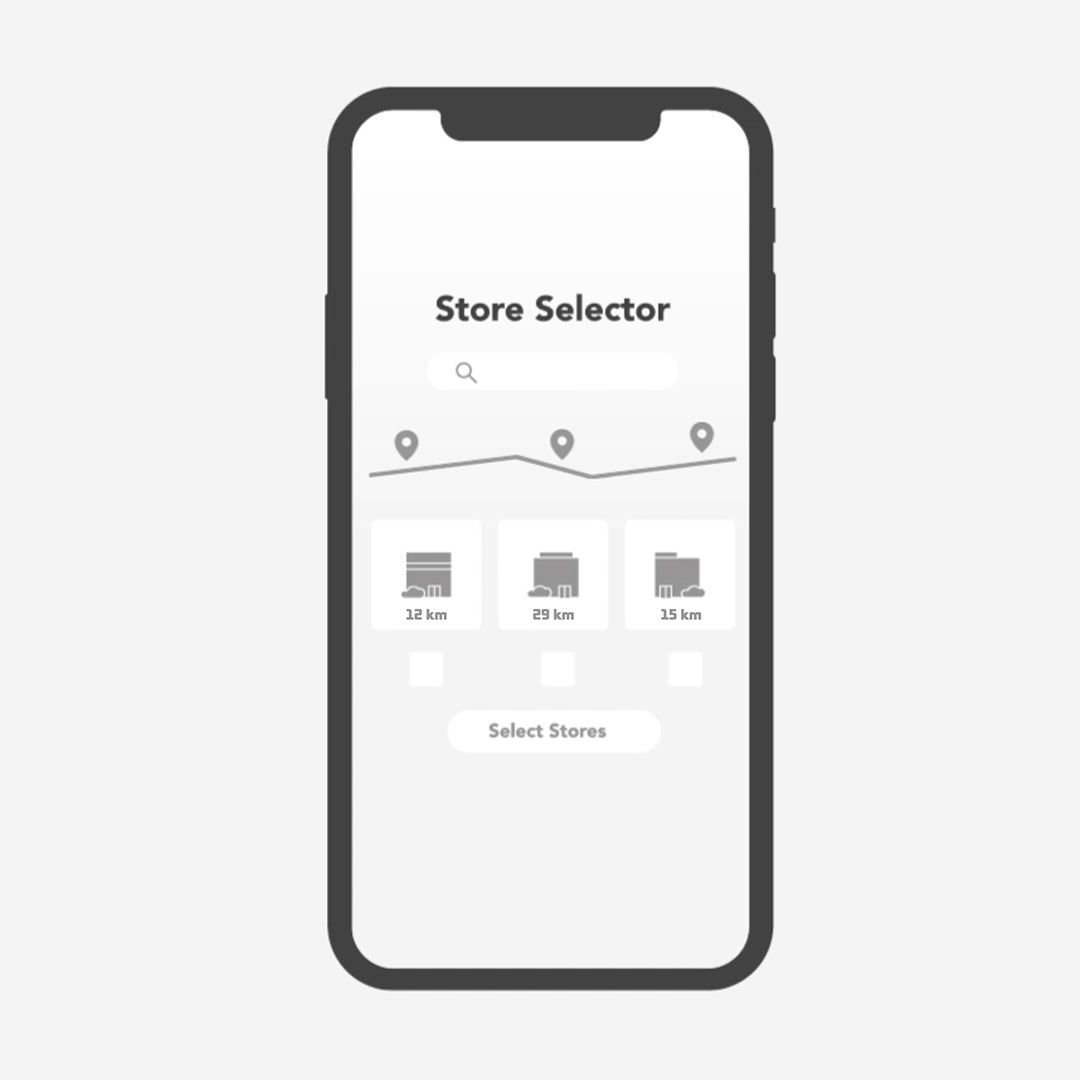
Store pickup
Grabbing the newest sneaker release is easier than ever:
- Choose up to 3 stores carrying the release in the app.
- Head to your store and pay for the release in person when it drops.
Good to know:
- Show a valid photo ID (like a passport or driver's license) to a store team member to grab your release.
- You can only win the store pickup or ship to me option.
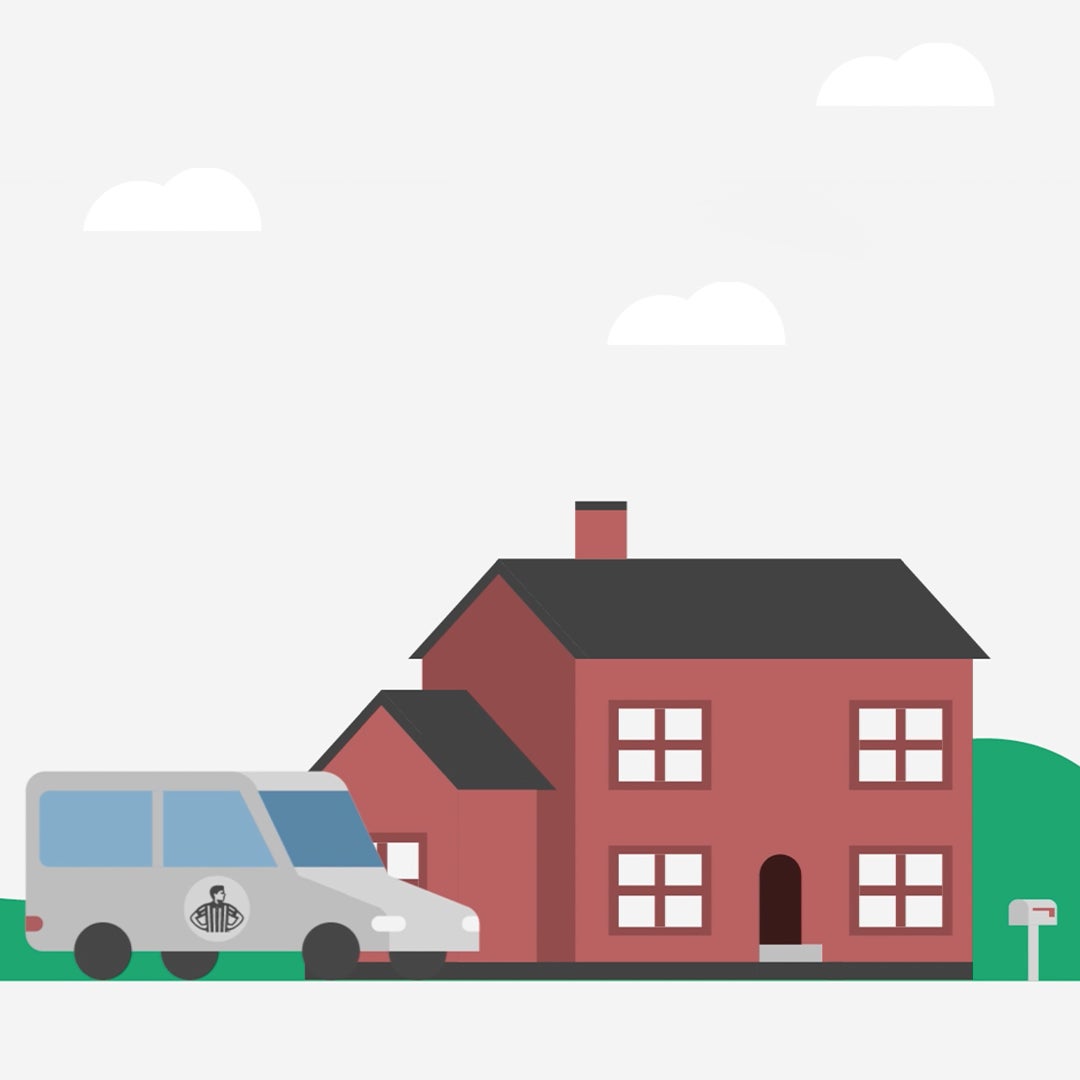
Ship to me
We'll use the payment and shipping information saved in your Foot Locker account to automatically:
- Charge your credit card.
- Send your release to you.
Good to know:
- Create a free Foot Locker account (add your credit card and shipping information) to save time.
- Check your information is current before the entry period closes.
- We only accept credit cards for this entry method.
More information:
How do I enter?
Your chance at sneaker glory starts when you sign into the app.
1. Tap the calendar tab at the bottom of the screen
2. Find the sneaker you want
3. Tap the listing
4. Choose from the available entry options:
- Store pickup (select up to 3 locations)
- Ship to me
5. Select your size
6. Add Head Starts or sign up for FLX Rewards first
How will I know if I win?
Store pickup:
- You'll get a push notification message whether you win, lose, or get waitlisted.
- A winner? Congrats! Open the message and confirm you want the release.
Ship to me:
- We'll let you know if you win on launch day. You'll get a push notification message and an order confirmation email.
- We'll then bill your credit card on file and send the release to the address saved in your Foot Locker account.
Tips:
- Allow for push notifications on your mobile device.
- Turn on location services to find stores near you for easy pickup.
What are Head Starts?
Members of FLX Rewards can add Head Starts to boost their ability to secure a sneaker release.
Join FLX Rewards, our free membership program, to earn XPoints redeemable for Head Starts.
How it works
- All FLX Rewards members get 1 FREE Head Start per sneaker release.
- Earn 100 XPoints for every per $1 you spend at any Foot Locker family of brands.
- Redeem XPoints for up to 5 Head Starts. The more Head Starts you add, the better your opportunity to secure a sneaker release.
FLX Rewards members also get:
- Personalized offers and an opportunity to use XPoints to save with FLX Cash
FLX Cash pilot (Canada)
We’re testing a new perk where FLX Rewards members in Canada can redeem XPoints to save money on store and online purchases across the Foot Locker family of brands.
Learn how to apply FLX Cash for an in-store release.
Download the Foot Locker app:
Read our terms of use | Visit our Help Center


First come, first served
Check our Release Calendar to see what releases are dropping in your local store. Use our store locator to get directions to a store near you.

Buying new releases online
Select releases have a certain number of sneakers available for purchase online. And they can sell out fast!
How it works:
- Create an account
- Sign in before the sneaker drops
- Complete your purchase before the checkout clock runs out
Find a store
Read our terms and conditions
Questions?
Want to learn more about releases and the entire Launch process? Check our Help Center.